 Hyper-V Launcher
Shortcuts where you need them
Create shortcuts for your virtual machines on your desktop or in the Start Menu.
Launch your local Hyper-V machines from your desktop, Start Menu, or system tray.
DownloadWindows x64 · Hyper-V required
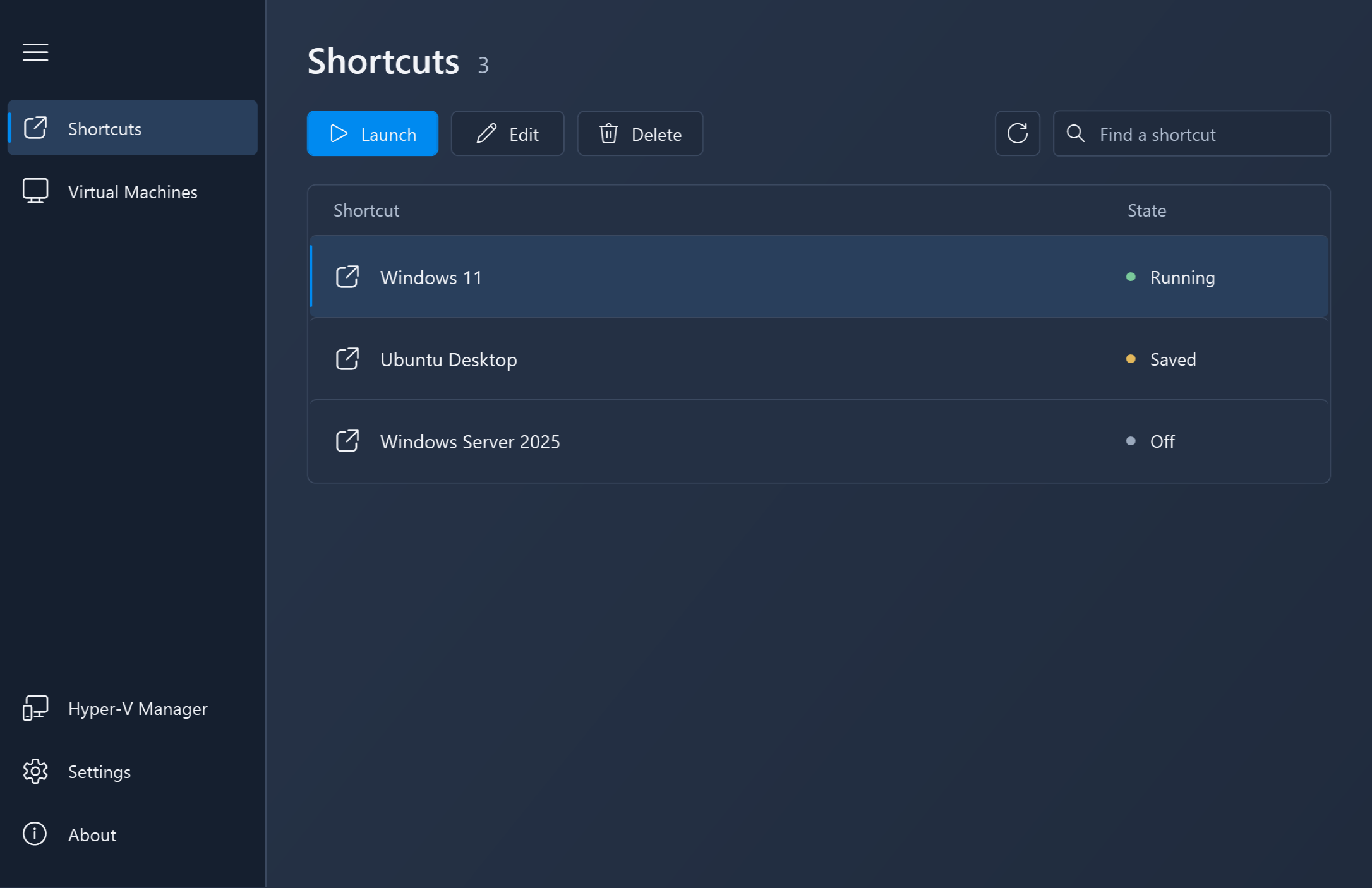
Create shortcuts for your virtual machines on your desktop or in the Start Menu.
Access your configured shortcuts from the system tray and launch a machine when you need it.
Automatically pause or shut down your machine after closing its VM window.